There are 300 built in program functions available in Microsoft Word. Take It! Word Legacy has identified and insulated the 35 functions used most often by law enforcement officers, while leaving them free to use any of the remaining 265 Word functions should the need arise.
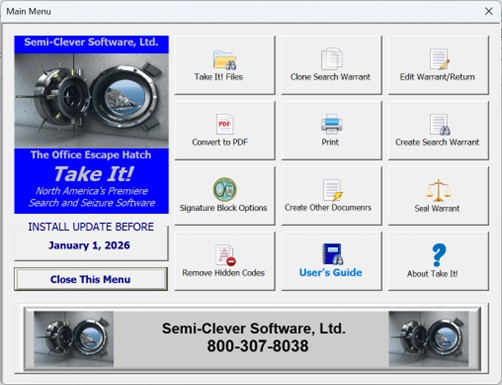
 This is the most important function! It is always only a click away, it’s searchable, and regardless of jurisdiction it only takes 5 to 10 minutes to read. In addition to the functions set forth below, you will learn how to Create Other Documents, Seal a Warrant, Remove Hidden Codes, and learn About Take It!
 Create Search Warrant is available at any time; however, the best practice is to create a Master Search Warrant that contains all of the basic information required in all search warrants (Department, Officer’s Name, etc.) and Probable Cause statement (officer’s current duties, relevant law enforcement experience, etc.). For future search warrants, use the following functions.
 Open the Master Search Warrant file.
 Clone it.
 Edit it.
 Show or hide signature block seals.
 Convert document to PDF if filing electronically.
 Print document if filing manually.
 Go fishing!